Comparison
Triply vs Wanderlog
Both are trip planners, but they start from very different places. Here's an honest breakdown.
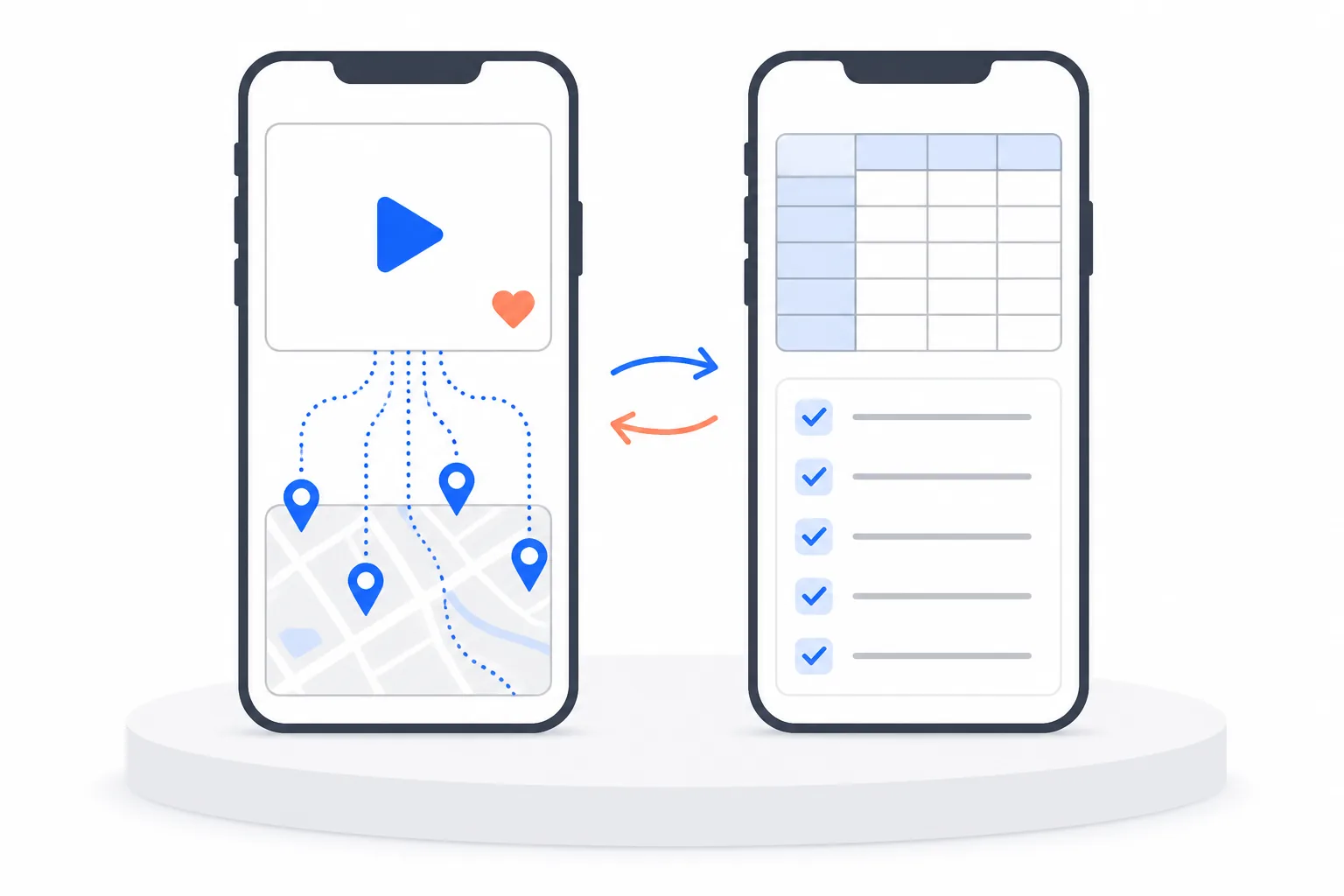
| Feature | Triply | Wanderlog |
|---|---|---|
| Import from TikTok / Instagram / YouTube | Yes — paste any link, every place extracted | No |
| Paste a Google Maps saved list | Yes — AI reads every place, notes included | Manual workarounds |
| AI itinerary generation | Free — all users | Pro only ($40/yr) |
| AI travel assistant | Knows your saved places, checks live opening hours (Pro) | AI features on Pro |
| Places from creator videos | 7,000+ community-imported videos with notes | No |
| Route optimization | Automatic | Pro only |
| Collaborative planning | Shared lists | Google Docs-style editor |
| Expense tracking | No | Yes |
| Offline maps | No | Pro only |
| Map view | Yes — interactive with filters | Yes — Google Maps based |
| Mobile app | iOS & Android | iOS & Android |
| Price | Free (Premium available) | Free / $40 per year |
| Best for | People who discover spots on social media | People who already know where they want to go |
The honest take
Wanderlog is great if you already know what you want to do.It has a solid collaborative editor, expense tracking, and a polished desktop experience. If you're the type of person who researches every restaurant on Google before a trip, Wanderlog gives you a good workspace for that.
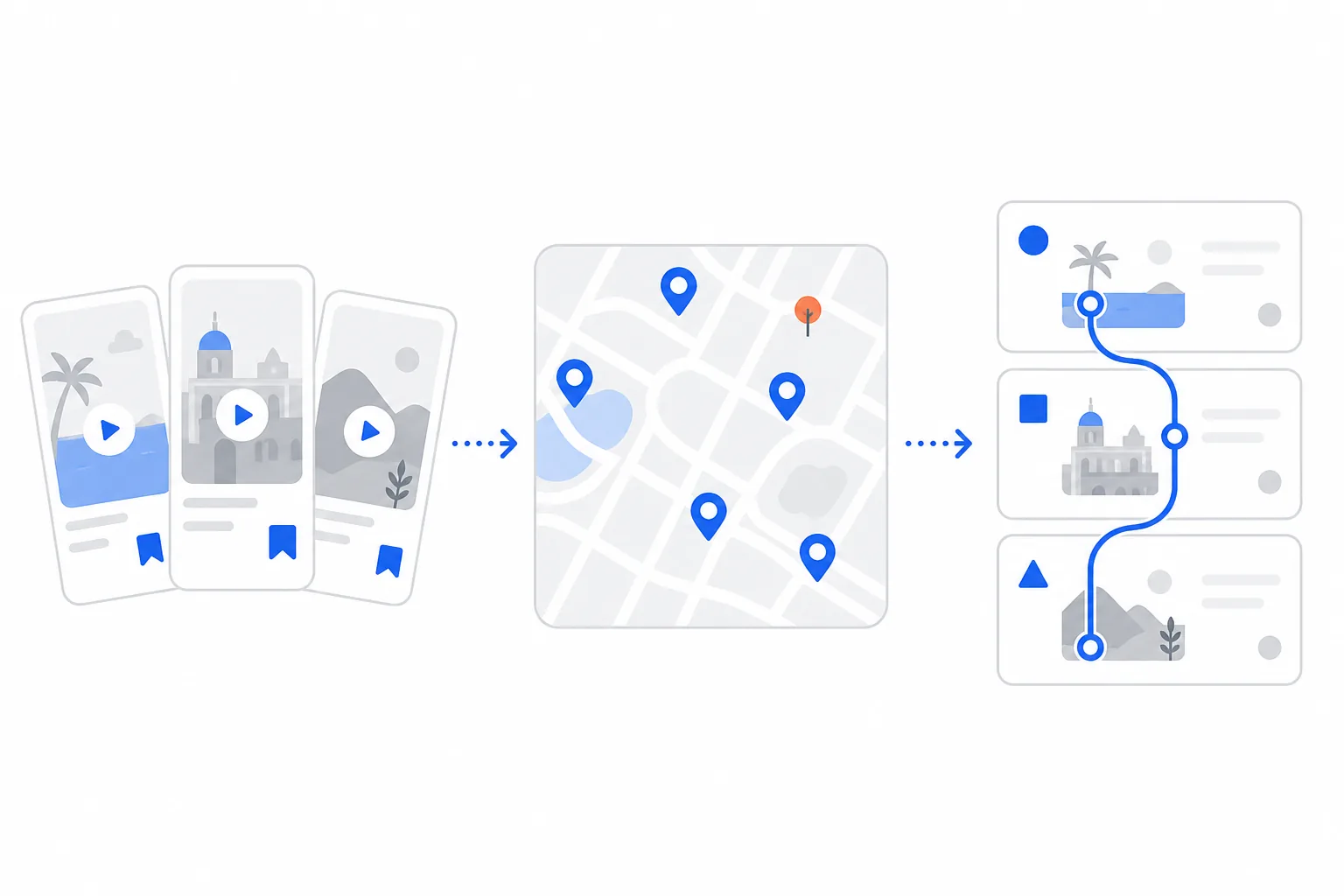
Triply is built for how people actually discover travel now.You see a TikTok of a hidden beach in Bali, an Instagram reel of a rooftop bar in Rome, a YouTube vlog of someone eating their way through Lisbon. You save it. When you're ready to travel, Triply takes all those saved spots and turns them into an optimized itinerary automatically.
The biggest gap with Wanderlog is inspiration. Users frequently say it's not useful when you don't already have a plan. Triply fills that gap: your social feed becomes your travel research, and the app handles the rest.
The Google Maps difference is worth spelling out.If your research lives in a Maps saved list, Triply reads the whole thing from its share link: every place, plus the notes you wrote on each save, turned into a day-by-day plan you accept with one tap. Wanderlog's Google Maps story runs the other way (it exports to Maps) and getting a saved list in means manual workarounds.
Wanderlog also locks AI features, route optimization, and offline access behind a $40/year paywall. Triply's AI itinerary builder is available to all users, and the Triply AI assistant (part of Pro) plans from what you have actually saved and checks real opening hours before it puts anything on a schedule.
When to use Wanderlog instead
- -You need detailed expense tracking and bill splitting
- -You want a Google Docs-style collaborative editor
- -You need offline maps for international travel without data
When Triply is the better choice
- -You save travel spots from TikTok, Instagram, or YouTube
- -Your research is trapped in a Google Maps saved list you want read in one paste
- -You want AI to build your itinerary without paying $40/year
- -You prefer a mobile-first experience over desktop planning
- -You want route-optimized day-by-day plans generated in seconds
Frequently asked questions
Is Triply really free if Wanderlog charges $40/year for AI?
Triply's AI itinerary generation is free for all users, with monthly credits on the free tier. Triply Pro (with a 7-day trial) adds the Triply AI assistant, which plans from your own saved places and checks live opening hours.
Can either app import a Google Maps saved list?
Triply reads a shared Google Maps list from its link: every place plus your saved notes, converted into real spots and a day-by-day plan. Wanderlog exports to Google Maps, but importing a saved list into it takes manual workarounds.
Which one should group travelers pick?
If your group plans in a shared document with budgets and bill-splitting, Wanderlog's editor and expense tools are genuinely better. If your group plans by sending each other TikToks and map links, Triply turns that chat into the actual trip.