How-to
How to Plan a Trip from Your Instagram Saves
Updated August 2026 · 6 min read
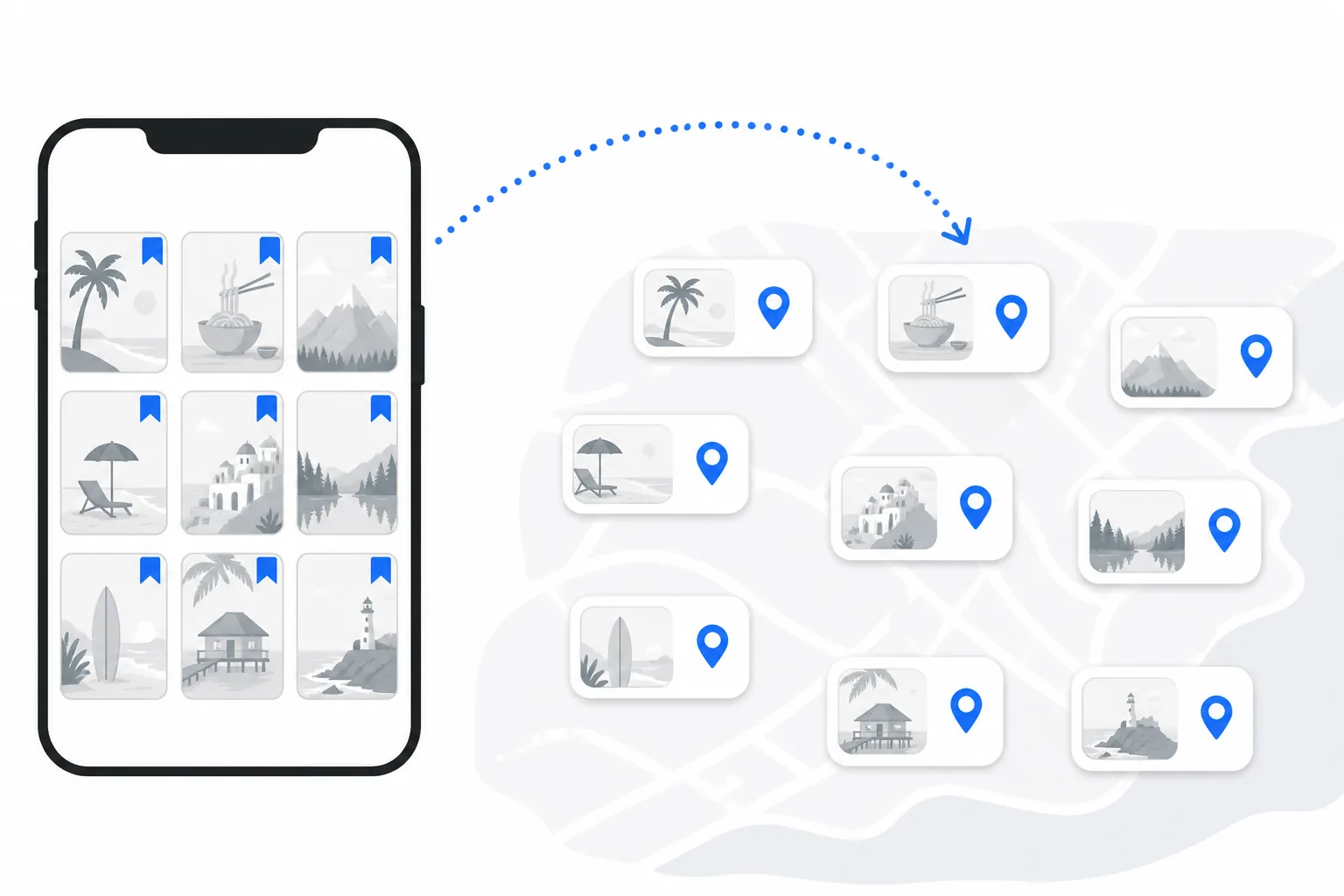
You've been saving Instagram posts for months. A rooftop restaurant in Lisbon, a ramen counter in Tokyo that got 80,000 likes, three different Reels titled "hidden gems in Bali." Then a trip actually gets booked, and you open Google and start researching from scratch anyway, because the saves folder is a wall of pretty thumbnails with no locations, no map, and no order.
Instagram's save button was built for collecting, not planning. This guide covers the part Instagram leaves out: getting from a folder of saves to a real, day-by-day plan.
Why Instagram is the best and worst travel tool at once
For finding places, nothing beats it. A Reel of a waterfall in Bali can go from zero to a million views overnight, and suddenly a place no guidebook mentions is on everyone's list. The problem starts the moment you hit Save. The post keeps its likes and its music, but you lose the things a trip runs on: the exact location (most creators don't tag precisely), any way to see your saves on a map, any grouping by destination, and any path from "saved" to "scheduled."
So the ideas sit in the folder. What fixes it is a bridge from the post to the actual place it shows.
Step-by-step: Instagram saves to itinerary
Step 1: Open your saves and pick a post
Profile → Saved, then any post with a real-world location in it. A restaurant, a viewpoint, a hotel, a "top 10 things to do" Reel. Roundup posts are actually the best value here, for a reason you'll see in step 3.
Step 2: Copy the link
Tap the three-dot menu on the post and choose "Copy Link." That's all Instagram has to contribute. The creator doesn't need to have tagged a location; Triply works the places out from the video and the caption.
Step 3: Paste it into Triply
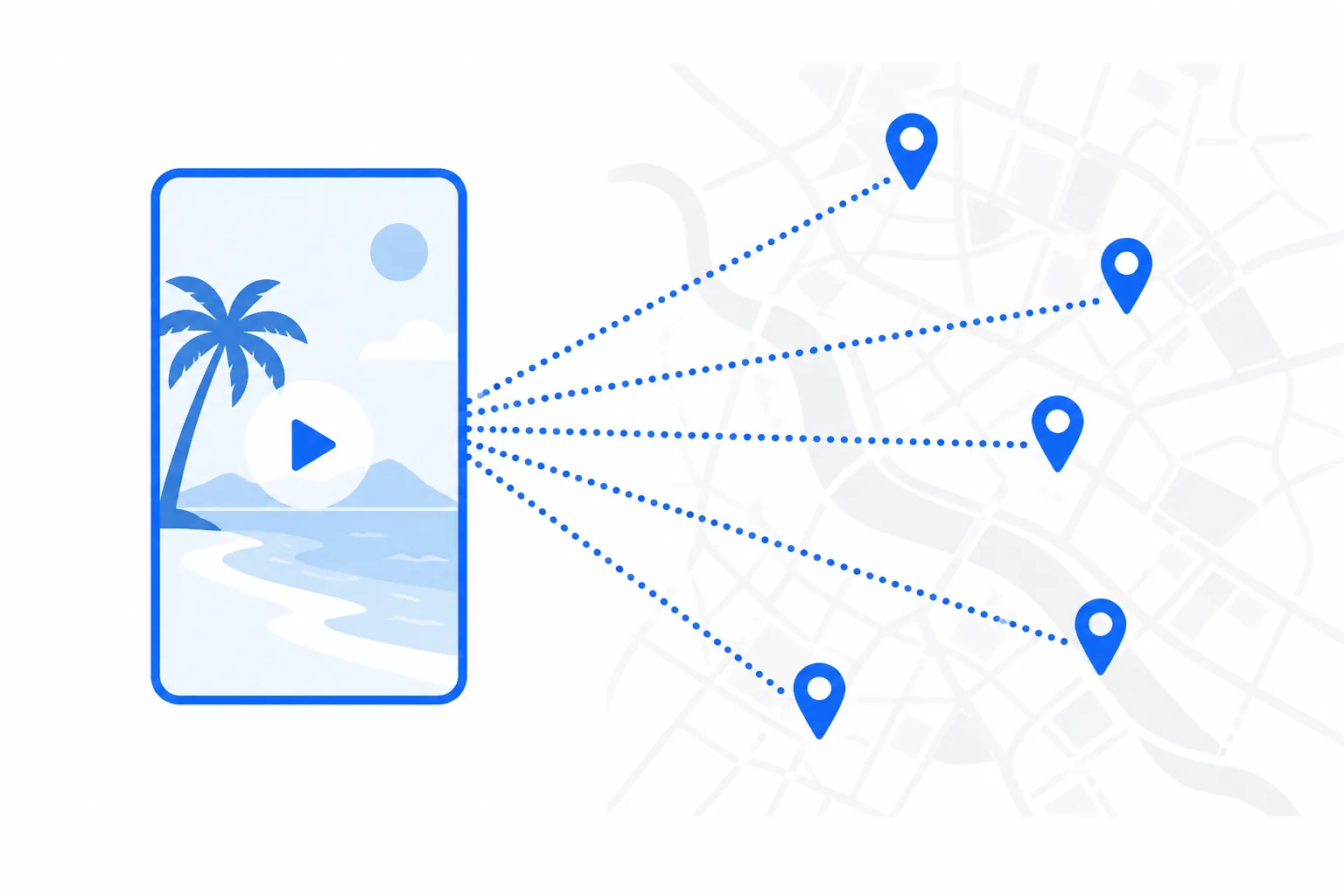
Open Triply, tap "+", and paste. Here's the part that surprises people: Triply extracts every place in the post, not one. A "10 hidden gems in Bali" Reel becomes ten separate spots on your map, each with a name, real coordinates, a photo, and a note about what the video actually said about it. One paste can do more planning than an afternoon of googling.
This works for Reels, regular posts, and carousels, and the same paste-a-link flow handles TikTok and YouTube. Popular posts often import in a couple of seconds, because another Triply user has usually imported that exact Reel before you and the places are already verified.
Step 4: Work through the saves that matter
Repeat for the posts you genuinely care about. Because each paste can carry several places, a normal saves folder takes minutes, not an evening. Don't agonize over filtering at this stage; it's easier to delete spots later than to remember which Reel that one beach was in.
Step 5: Generate the itinerary
Create a trip, set your destination and dates, and the AI builds a day-by-day schedule from your imported spots, filling gaps with its own suggestions for meals and activities. The routing is the part that matters: nearby spots get clustered into the same day and ordered so you're not zigzagging across the city. Ticketed sights come with verified ticket links, meaning real Tiqets, GetYourGuide, and Viator products checked against that specific spot rather than a search link that dumps you on a homepage.
What if a location isn't detected correctly?
It happens, mostly with artistic photography or captions that never name anything. When a place comes through wrong or blank, search for it by name and link it to the spot card manually; it takes a few seconds and you'll only need it for a small fraction of imports. Posts where the caption or first comment names the venue import most accurately.
Mixing Instagram with your other saves
Most trips pull from more than one app: Instagram for restaurants and cafés, TikTok for experiences and day trips, YouTube vlogs for whole city guides, even a Google Maps saved list. Links from all of them land in the same Triply trip, so you end up with one curated list of everything you want to visit, whichever app it came from.
Habits that make your saves more usable
- Organize saves into named collections ("Tokyo 2026", "Beach trips") so a destination's research is in one place when the trip becomes real.
- Save the creator's original post, not a reshare. Reshares often lose the location metadata that makes identification accurate.
- Check the comments before you paste. Creators often put the exact address or a Google Maps link in the first comment, and that comment travels with the link.
- Save places you'd actually go to. Two hundred vague saves are harder to plan from than forty specific ones, no matter what tool you use.
Where this is all heading
A decade ago you searched Google, read a few blogs, and booked through TripAdvisor. Now most trips start on Instagram or TikTok, and the hard part has moved: it's no longer finding places, it's turning found places into a plan. Instagram can't build you an itinerary and Google Maps won't sequence your days, so that conversion step is exactly what Triply does, and it keeps working after takeoff: a companion mode shows today's plan and what's nearby while you're on the ground.
If you're weighing your options, our breakdown of the best AI trip planners in 2026 covers how the tools stack up.
Start with one link
Download Triply on iOS or Android and paste your first Instagram save. The free tier comes with monthly credits, so your first imports cost nothing, and the fastest way to see whether this works for you is one Reel you saved months ago turning into spots on a map.